Dominogue
A rogue-like deck builder dominoes game, free to play.
A what now?
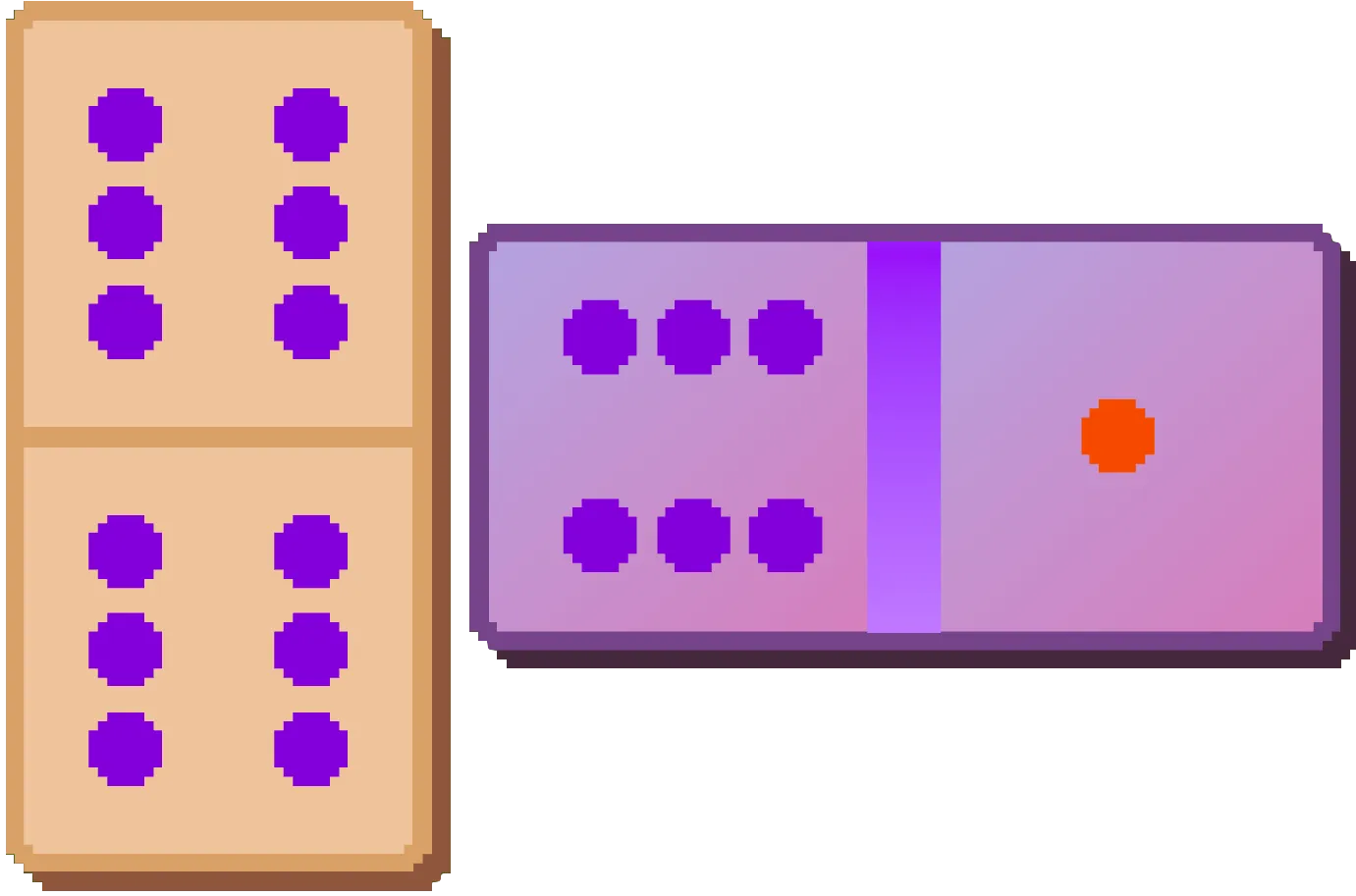
Dominogue is a mobile and browser game in which you build domino chains to advance through as many rounds as you can. If you can’t beat a round, it is over and you have to start from scratch.
As you progress, you can upgrade your domino sets with new pieces and abilities, as well as equip jokers that exponentially boost your points – because the difficulty also grows exponentially.
It’s inspired by, among other games, Balatro and double six dominoes.
An exercise in accessibility
Because I used web technology to build Dominogue, many accessibility features are already baked in. By using semantic HTML, a lot gets automatically picked by assistive tools such as the VoiceOver screen reader.
Shortly after publishing, I received feedback from blind players about how much they could already play Dominogue, and what were the issues keeping them from having the full game experience.
At that point, I decided to be way more intentional on my approach to Dominogue’s accessibility. Built-in accessibility tooling only gets you so far, particularly in a game where the flow of content is way less linear than a web page, and context visual cues are spread out and important.
Since then, there were multiple updates to Dominogue that improves the compatibility with screen readers. Most of the changes had one goal: increase predictability. Making sure navigation was easy to understand, without surprises or random jumps, and ensuring every relevant element had sensible descriptions while purely decorative stuff didn’t steal the focus made the game much better for using with assistive tools.
Being intentional does make a difference.
Web technology, you say?
My first attempt at building Dominogue was done with Godot, the open source game engine. Godot is awesome, and I wanted to learn more about it.
However, at points, it felt like it was a bit too much to what I wanted to do. Or maybe it wasn’t, and it was just my bias to previous knowledge speaking louder. But I decided to turn to what I know the most: web development.
Dominogue is a fully local React project – an SPA if you will. This means I get to benefit from the entire React ecosystem and developer tooling.
The React app is a Bun project, using Tailwind CSS, and the developer experience and speed of iteration were miles ahead compared to my first attempt at building this game.
But I knew I wanted Dominogue to live not only in the browser. So I decided to build a mobile app from it as well.
My first attempt was to port everything to React Native. All the game logic would just work, but I’d have to remake most of the visual layer. The game relied a lot already on heavy CSS and the regular flow of a webpage, so that migration turned out to be way too disruptive.
I decided I wanted something simpler. The app should be a thin wrapper, a webview with a local HTML bundle. I could quickly write something up with Swift and Kotlin, but there had to be something ready-made for this. And what I found took me back to over 10 years ago.
I found this framework called Capacitor and it was exactly what I needed. A think webview with a couple bindings for getting native APIs into JavaScript land. And it is the successor of Cordova. This brought me back to my BlackBerry 10 app development days. Good times.
When the coder has to draw
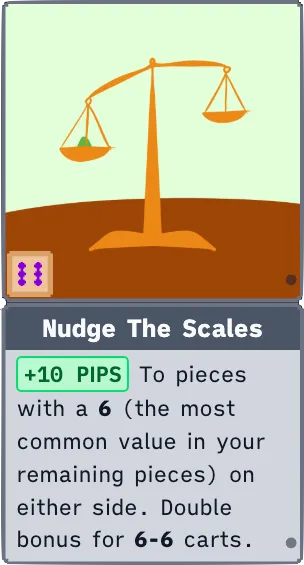
Everything on the Dominogue UI is HTML and CSS. This is what I’m good at, and where I feel comfortable. But there’s a limit to what that would get me.
I hit that limit when I started to work on the jokers. At first, they were cards with text. This allowed me to focus on implementing all the machinery that allows for such a diverse set of triggers and behaviours jokers can have in Dominogue.
But this doesn’t look nice.
I also for sure didn’t want to just offload this task to a generative model. I set off to make a game.
So I took out the iPad and got to drawing.
Thanks to the people who take their time to post YouTube tutorials, I learned enough of Procreate to be able to get something recognisable on the screen. This let me speed through the seventy-something jokers I had to draw.
Make no mistake: I am not anything close to being good at drawing. But whatever I got out worked, and I was happy with it.
Seeing this quote in the wild was great validation that I was on the right track:
This game is pretty clever with truly ugly awesome graphics,
— a Reddit user
Publishing an app in 2026
The Play Store is now, in my experience, somehow more bureaucratic than the App Store for new publishers. I published Dominogue to the App Store with little hassle, and not a single rejected build from the Apple review team.
I naturally thought the Play Store would be similarly easy, if not easier. I couldn’t have been more wrong. Between nearly doxing myself irrevocably by turning on monetisation and the opaque beta test requirements that may reject your app with basically no explanation, I’ve almost given up on getting Dominogue on the Play Store.
Almost being the key word. I haven’t. I’ll get it in there, I promise.
Play it today!
Dominogue is free to play. Check it out on your browser, or get it from your local App Store (as long as it’s not the Play Store, yet).